
Start with the result you want
A long email arrives, but you just want two prices from a printer. Before you copy the thread, write the task in one sentence. You need a draft asking for prices and lead times for two poster quantities and checking whether the printer offers a colour proof. That tells you which details to keep.
Do the review in your text editor or a local copy. If you ask an external chat service to clean up the whole thread, it will already have received the original.
Keep the figures that affect the quote
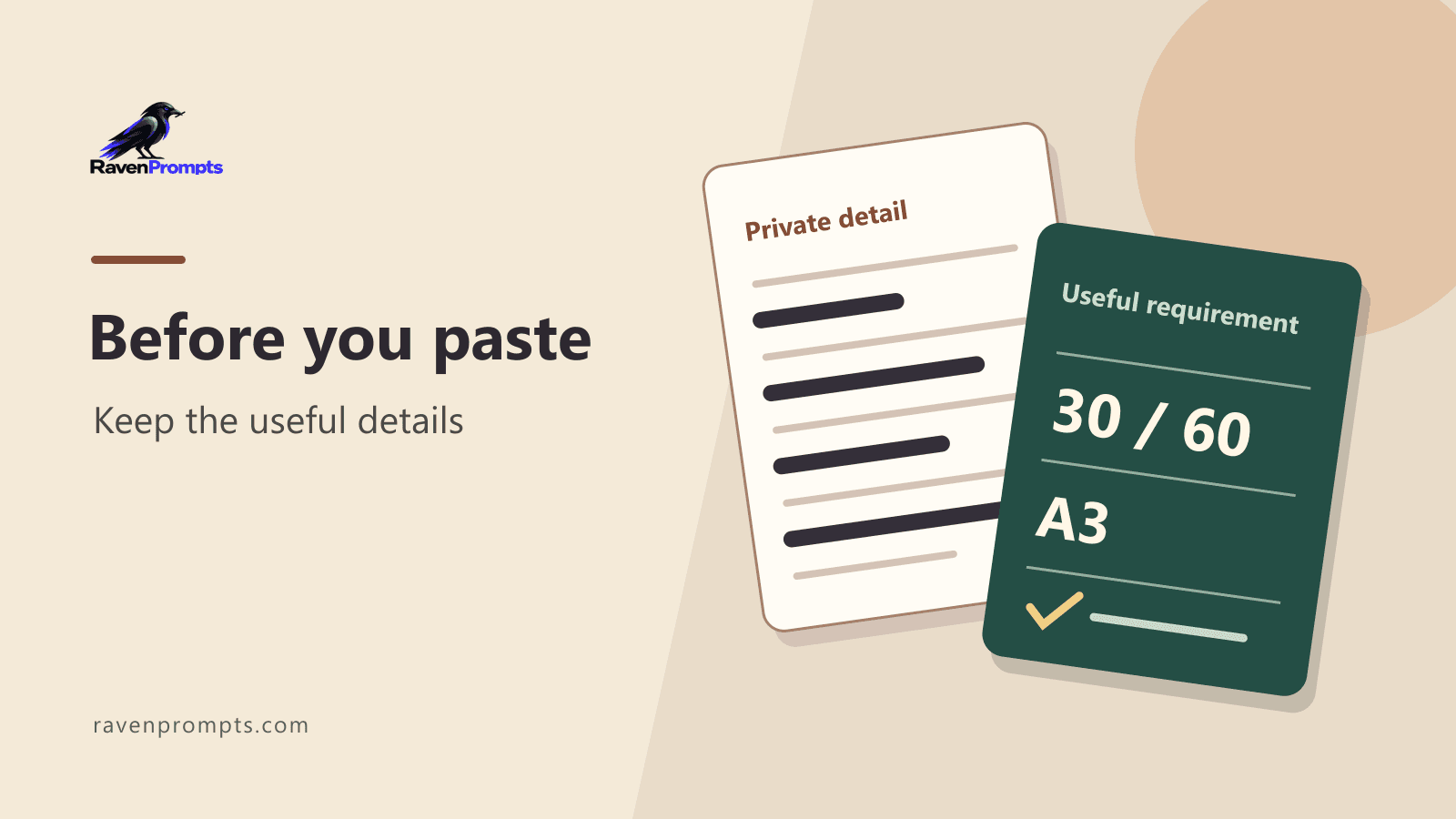
In this fictional example, the thread contains the coordinator’s name, a phone number, a delivery address and an internal code. To compare print prices, you need two runs of 30 and 60 A3 posters, a colour proof and a request for the printer’s lead time.
The address may affect the delivery charge. To compare the printing first, ask for delivery as a separate item and leave [delivery area] in the draft. Add a more precise detail once you know what the printer needs and which channel you want to use.
Ask for a draft with blanks
You can ask the assistant to write a short email requesting quotes for 30 and 60 A3 posters. Ask whether a colour proof is available and how long printing would take. Request separate prices for printing and delivery, use [name] and [delivery area] where needed, and leave other details open.
A usable draft keeps the two runs distinct and asks about timing. Compare it with your notes before using it. Correct phrases such as “delivery on Thursday”, “proof included” or “order confirmed” if you have no basis for them. You decide when and where to send it.
Look at what details reveal together
Removing names is a start. An unusual job title, a small town and an event date may still tell someone who is involved. Review the subject line, signatures, quoted replies, links and file names. An access link can be as sensitive as the text around it.
If the shorter version still points to a real person or case, switch to invented details or ask for a blank outline to fill in yourself. For work material, follow the rules and use the tools approved by your organisation.
Check the rules for the account you use
Settings for history, retention and model improvement vary by service and account type. OpenAI and Google publish their own controls and privacy guidance. Look them up for the account you intend to use before entering work information.
For this print quote, a short brief is enough. Check which details affect the price, which you will fill in later and which promises the draft should avoid. If you are unsure, a template with blanks lets you keep the original email in your editor.